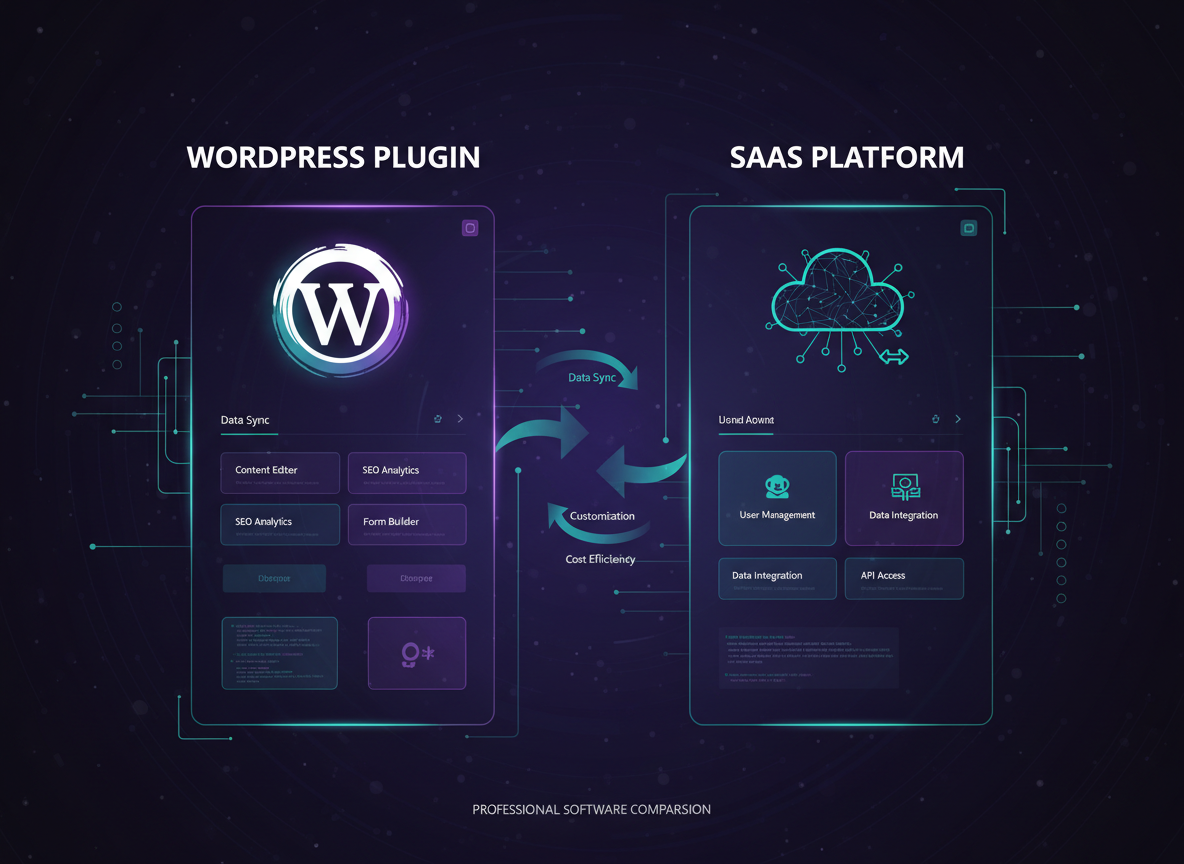
If you run a small business on WordPress, you've probably asked yourself: should I add a help desk plugin directly to my site, or pay for a standalone SaaS support platform? Both approaches solve the same core problem — managing customer support tickets — but they differ dramatically in cost, flexibility, and long-term fit.
In this guide, we'll break down the real differences between WordPress help desk plugins and SaaS support software. We'll compare features, pricing, ease of use, and scalability so you can make the right choice for your team and budget. If you're new to WordPress development, our beginner's guide to WordPress plugin development is a great starting point.
What Is a WordPress Help Desk Plugin?
A WordPress help desk plugin is a support ticketing system that installs directly into your WordPress dashboard. It lives inside your existing site — no separate login, no external platform. Customers submit tickets through your website, and your team manages everything from the WordPress admin panel.
Popular examples include Metorox Support Pro, Awesome Support, and SupportCandy. These plugins typically offer ticket management, email notifications, agent assignment, and basic reporting — all without leaving WordPress.
What Is SaaS Support Software?
SaaS (Software as a Service) support platforms are standalone cloud applications. You access them through a separate website or app, independent of your WordPress site. Examples include Zendesk, Freshdesk, Help Scout, and Intercom.
These platforms are purpose-built for customer support at scale. They typically include multi-channel support (email, chat, phone, social media), advanced automation, AI-powered features, and extensive integrations with other business tools.
Side-by-Side Comparison
Here's a quick comparison of the two approaches across the factors that matter most to small businesses:
| Feature | WordPress Plugin | SaaS Platform |
|---|---|---|
| Installation | Installs in WordPress dashboard | Separate cloud platform |
| Monthly Cost | $0–$15/mo (one-time or subscription) | $15–$100+/agent/mo |
| Data Ownership | Your server, your database | Vendor-hosted cloud |
| Multi-Channel | Email + web form (usually) | Email, chat, phone, social |
| Customization | Full code access, hooks & filters | Limited to vendor's options |
| Scalability | Depends on hosting resources | Built for enterprise scale |
| Setup Time | Minutes (plugin install) | Hours to days (onboarding) |
| AI Features | Emerging (plugin-dependent) | Advanced (most major platforms) |
| Integrations | WordPress ecosystem + APIs | Hundreds of native integrations |
| Learning Curve | Familiar WordPress UI | New platform to learn |
Pros and Cons of WordPress Help Desk Plugins
✅ Pros
- • Lower cost — many are free or under $15/month
- • Data stays on your server — full ownership and control
- • No separate login — manage tickets from WordPress admin
- • Customizable with hooks, filters, and custom code
- • Familiar interface for WordPress users
- • Quick setup — install and activate in minutes
❌ Cons
- • Limited multi-channel support (usually email + web only)
- • Performance depends on your hosting quality
- • Fewer native integrations than SaaS platforms
- • Advanced features may require premium add-ons
- • You handle updates, backups, and security
Pros and Cons of SaaS Support Software
✅ Pros
- • Multi-channel support out of the box
- • Built for scale — handles thousands of tickets
- • Advanced AI, automation, and analytics
- • Vendor handles hosting, updates, and uptime
- • Hundreds of integrations (CRM, Slack, etc.)
❌ Cons
- • Expensive — per-agent pricing adds up fast
- • Data lives on vendor's servers — less control
- • Separate platform to learn and manage
- • Customization limited to what the vendor allows
- • Vendor lock-in — migrating away is painful
When to Choose a WordPress Plugin
A WordPress help desk plugin is the right choice when your business already runs on WordPress and you want to keep everything centralized. Here are the scenarios where a plugin makes the most sense:
- →You're a small team (1–5 agents) — Plugin-based systems handle small volumes efficiently without per-agent fees eating into your budget.
- →Budget is tight — Most WordPress plugins cost a fraction of SaaS platforms. Many offer free tiers or one-time purchases.
- →You want data ownership — Tickets, customer data, and attachments stay on your server. No vendor lock-in.
- →You need deep customization — With full code access, you can modify workflows, templates, and integrations exactly how you need.
- →Email + web form is sufficient — If your customers primarily reach out via email or your website contact form, a plugin covers your needs.
When to Choose SaaS Support Software
SaaS platforms shine when you need enterprise-grade features or support across multiple channels. Consider SaaS when:
- →You need multi-channel support — If customers reach you via live chat, phone, social media, and email, SaaS platforms unify all channels in one inbox.
- →You have a large support team (10+ agents) — SaaS platforms offer advanced routing, collision detection, and team management features.
- →You need advanced AI and automation — AI-powered ticket classification, suggested responses, and chatbots are standard on major SaaS platforms.
- →You don't use WordPress — If your site runs on Shopify, Squarespace, or a custom stack, SaaS is the natural choice.
How Metorox Support Pro Bridges the Gap
At Metorox, we built Support Pro specifically to give small businesses the best of both worlds. It's a WordPress-native help desk plugin with features you'd normally only find in expensive SaaS platforms:
🎫 Advanced Ticketing
Severity levels, SLAs, categories, tags, and canned responses
📧 Smart Email System
WordPress, SendGrid, or SMTP with professional HTML templates
🤖 Auto-Responders
Trigger-based automation for new tickets, status changes, and assignments
👥 Staff Management
Role-based access, agent assignment, and activity logging
📊 Admin Dashboard
Color-coded severity badges, real-time stats, and reporting
🔒 Enterprise Security
Nonce verification, input sanitization, prepared SQL statements
Support Pro starts free for basic use and scales with your business. Because it runs inside WordPress, you keep full control of your data, your customizations, and your costs. No per-agent fees. No vendor lock-in.
Cost Comparison: Real Numbers
Let's look at what a small team of 3 agents would actually pay over 12 months:
| Platform | Monthly | Annual |
|---|---|---|
| Zendesk (Suite Team) | $55/agent × 3 = $165/mo | $1,980/yr |
| Freshdesk (Growth) | $15/agent × 3 = $45/mo | $540/yr |
| Help Scout (Standard) | $20/user × 3 = $60/mo | $720/yr |
| Support Pro (Business) | $12/mo flat | $144/yr |
Over a year, Support Pro saves you $396–$1,836 compared to popular SaaS alternatives — and that gap widens as you add more agents.
Making the Decision: A Simple Framework
Still not sure? Use this quick decision framework:
1. How many support channels do you need?
If email and web form are enough → WordPress plugin. If you need chat, phone, and social → SaaS.
2. What's your monthly budget for support tools?
Under $50/mo → WordPress plugin. $100+/mo → SaaS becomes viable.
3. How important is data ownership?
Critical → WordPress plugin (your server). Not a concern → SaaS is fine.
4. Do you already use WordPress?
Yes → Plugin is the natural fit. No → SaaS is the only option.
5. How many agents do you have?
1–5 → Plugin (no per-agent fees). 10+ → SaaS (better team management).
Frequently Asked Questions
Can I migrate from a WordPress plugin to SaaS later?
Yes. Most help desk systems allow ticket export. The transition takes planning, but it's doable. Starting with a plugin lets you grow into SaaS only if you actually need it.
Are WordPress help desk plugins secure?
Quality plugins like Support Pro use nonce verification, prepared SQL statements, input sanitization, and role-based access. Combined with SSL and a good host, they're very secure.
Do SaaS platforms offer free tiers?
Some do — Freshdesk and Zoho Desk offer limited free plans. However, meaningful features usually require paid tiers starting at $15–$25/agent/month.
Can a WordPress plugin handle 1,000+ tickets per month?
Yes, with proper hosting. A VPS or dedicated server with adequate resources can handle high volumes. Support Pro is optimized for performance with efficient database queries.
Final Verdict: Choose a WordPress Help Desk Plugin
For most small businesses running WordPress, a help desk plugin is the smarter starting point. You get professional support capabilities at a fraction of the cost, with full data ownership and customization freedom. SaaS platforms make sense when you outgrow what a plugin can offer — but that threshold is higher than most vendors want you to believe.
Metorox Support Pro was built to push that threshold even further — giving small businesses enterprise-grade features without the enterprise price tag. Learn more about Support Pro or get in touch to see if it's the right fit for your team.