Support Pro
A robust WordPress and SaaS ticketing system built for small businesses. Automation, SLAs, severity-based routing, staff management, and advanced notifications — everything you need to deliver great customer support.
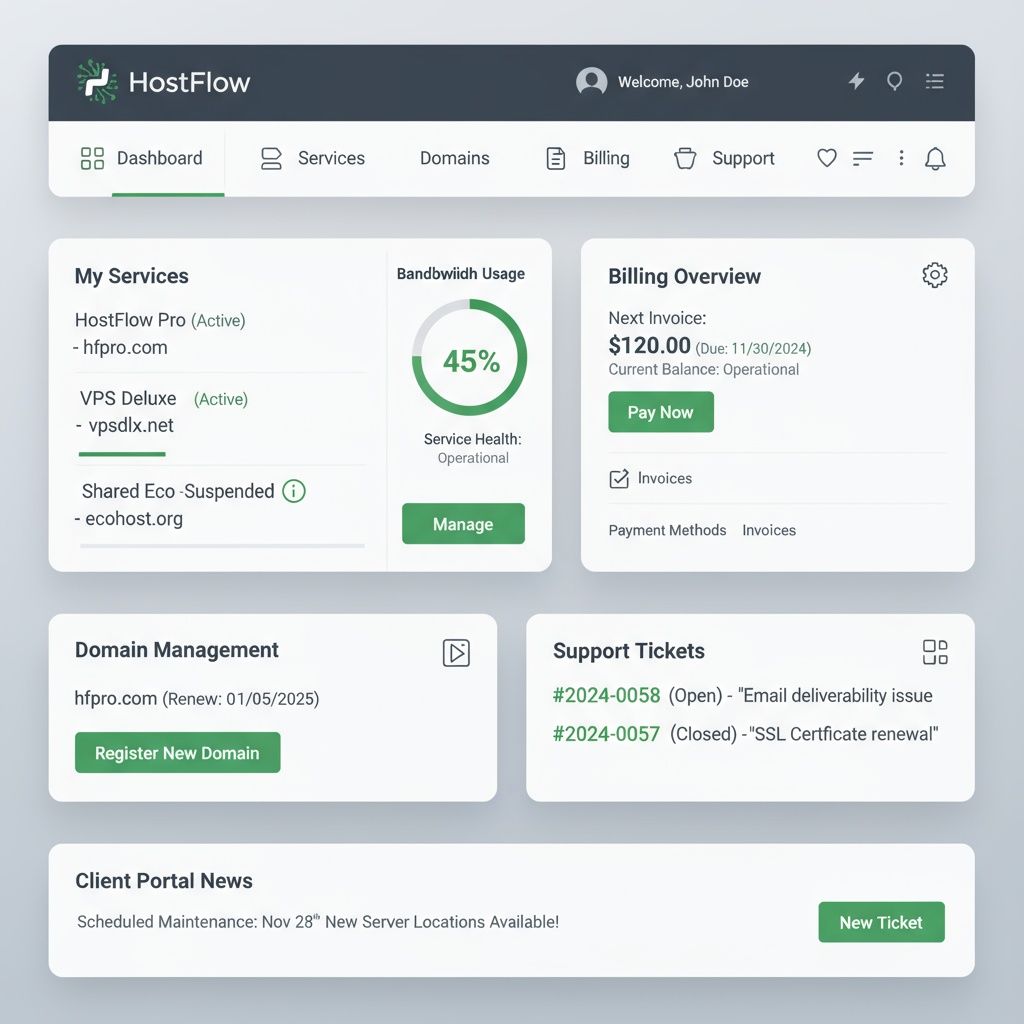
Metorox Support Pro is a WordPress help desk and customer support ticketing plugin built by Metorox Software for small businesses, agencies, and WordPress site owners. It provides ticket management with severity-based SLAs, a customer self-service portal, staff assignment and routing, canned responses, auto-responders, activity logging, and email notifications — all within the WordPress admin dashboard.
What Is Support Pro?
Support Pro is a customer support ticketing system built by Metorox Software for small businesses and WordPress site owners. It provides a complete help desk solution with ticket management, severity-based SLAs, auto-responders, canned responses, staff management, and professional email notifications.
Support Pro is available as both a WordPress plugin that installs directly into your existing site and as a standalone SaaS platform that works independently of any CMS. Both versions share the same feature set.
Who Support Pro Is For
- Small businesses needing a help desk
- WordPress site owners wanting built-in support
- SaaS companies managing customer tickets
- Agencies handling client requests
- E-commerce stores with support needs
Core Features
- Full ticket lifecycle management
- Severity-based SLAs with auto-escalation
- Canned responses and auto-responders
- Categories, tags, and ticket routing
- Staff management with role-based access
- Rich HTML email notifications
- Activity logging and audit trail
- WordPress plugin or standalone SaaS
WordPress Plugin vs. Standalone SaaS
WordPress Plugin
- Installs directly into your WordPress site
- Uses your existing hosting and database
- Matches your site's theme and branding
- Best for: businesses already on WordPress
Standalone SaaS
- Runs independently — no CMS required
- Hosted by Metorox with Docker isolation
- Embed or link from any website
- Best for: non-WordPress sites or SaaS companies
Both versions include the same features, pricing, and SLA options.
FAQ for WordPress Site Owners
Will Support Pro slow down my WordPress site?
No. Support Pro uses its own database tables and loads assets only on support pages. It does not affect your site's frontend performance.
Does it work with my existing WordPress theme?
Yes. The customer-facing portal inherits your theme's styles. The admin dashboard uses its own modern UI within the WordPress admin area.
Can I migrate from another support plugin?
Yes. We offer migration assistance on Professional plans and above. Contact us for a custom migration plan.
Is it compatible with WooCommerce?
Yes. Support Pro works alongside WooCommerce. Customers can submit support tickets related to their orders.
Is Support Pro Right for You?
✅ Best For
- •Small businesses needing a WordPress-native help desk
- •Teams wanting SLA tracking with severity-based response times
- •Companies that want ticketing inside their existing WordPress site
- •Businesses needing canned responses and auto-responders
- •Teams wanting a customer portal without a separate SaaS subscription
⚠️ Not Ideal For
- •Enterprise teams needing Zendesk-level omnichannel (chat, phone, social)
- •Companies not running WordPress
- •Organizations needing built-in live chat or AI chatbot
⏱ Typical Timeline to Launch
Install and configure in under 1 hour. Full setup with categories, SLAs, email templates, and staff accounts typically takes 1–2 days.
💰 Typical Price Range
WordPress plugin: starts at $49/year (single site). SaaS version: from $19/mo. One-time purchase options available.
Support Pro: Ticket Lifecycle, Automation & Severity Levels
Core Ticketing & Email
Full ticket lifecycle management with rich HTML email notifications, customizable templates, and variable substitution. Supports WordPress mail, SendGrid, and SMTP.
Automation & Triggers
Auto-responders, canned responses, and rule-based routing. Trigger actions on new tickets, status changes, assignments, and replies.
SLAs & Severity Levels
Color-coded severity badges (Critical → Low) with enforced response time SLAs. Critical: 12hr, High: 24hr, Medium: 48hr, Low: 72hr.
Staff Management
Role-based access control, staff assignment, performance tracking, and activity logs. Keep your support team organized and accountable.
Admin Dashboard
Real-time stats, open/closed ticket counts, activity logs, and comprehensive reporting. See your support operation at a glance.
Security & Backups
SSL, daily backups, nonce verification, prepared statements, and role-based access. Your data and your customers' data are always protected.
How Support Pro Works
From ticket submission to resolution — a streamlined workflow your team will actually use.
Ticket Submitted
Customer submits a ticket via your support page or email-to-ticket integration.
Auto-Routed
Ticket is categorized, severity assigned, and routed to the right staff member automatically.
SLA Tracked
Response time SLA starts counting. Staff are alerted if a deadline is approaching.
Resolved & Logged
Ticket is resolved, activity logged, and customer notified. Full audit trail retained.
Support Pro vs. Zendesk vs. Freshdesk vs. Help Scout
Most WordPress support plugins are ports of enterprise tools that weren't designed for small businesses. Support Pro was built specifically for WordPress-based businesses that need professional-grade support without the enterprise overhead or per-agent pricing.
| Feature | Support Pro | Zendesk | Freshdesk | Help Scout |
|---|---|---|---|---|
Built for WordPress Support Pro is a native WordPress plugin — no external SaaS, no iframe embeds. | ||||
Severity-based SLA routing Automatically routes tickets by severity (Critical, High, Medium, Low) with defined response SLAs. | Partial | |||
Staff management & assignments Assign tickets to specific staff members with role-based access control built in. | ||||
Canned responses & templates Save time with pre-built responses for common support scenarios. | ||||
Full activity log Every action is logged — status changes, assignments, replies, and escalations. | Partial | |||
Data ownership (your server) Your tickets and customer data live on your server — no vendor lock-in. | ||||
Starting price (3 agents) Support Pro's flat pricing saves $396–$1,836/year vs. per-agent SaaS pricing. | $12/mo flat | $165/mo ($55/agent) | $45/mo ($15/agent) | $60/mo ($20/agent) |
Best for: WordPress businesses, agencies, and SaaS companies that want full control over their support workflow without a monthly per-agent SaaS subscription.
Get Support ProFrequently Asked Questions — Support Pro
Common questions from WordPress site owners and small businesses evaluating Support Pro.
Is Support Pro a WordPress plugin or a standalone SaaS?
Both. Support Pro is available as a WordPress plugin and as a standalone SaaS platform. The WordPress plugin installs directly into your existing site. The SaaS version runs independently and can be embedded or linked from any website.
How does the severity system work?
Each ticket is assigned a severity level: Critical (red, 12hr SLA), High (orange, 24hr SLA), Medium (yellow, 48hr SLA), or Low (green, 72hr SLA). Staff are alerted based on severity, and tickets approaching their SLA deadline are flagged automatically.
How is Support Pro different from Zendesk or Freshdesk?
Zendesk and Freshdesk charge per agent — a team of 3 costs $45–$165/month. Support Pro's Business plan covers 20 agents at $12/month flat. Plus, Support Pro is WordPress-native (no separate login) and your data stays on your server.
Can I customize the email notification templates?
Yes. Support Pro includes a full email template editor with variable substitution. You can customize the HTML, subject lines, and content for every notification type.
Does it support multiple staff members?
Yes. The Professional plan and above support multiple staff accounts with role-based access. You can assign tickets to specific staff, track their performance, and manage permissions.
Will Support Pro slow down my WordPress site?
No. Support Pro uses its own database tables and loads assets only on support pages. It does not affect your site's frontend performance.
Is there a free trial?
Yes! The Professional yearly plan includes a 7-day free trial. We also offer a demo and pilot program for new clients.
Pricing
All yearly prices include a 15% discount. Plans from $29/mo.
Starter
$29/mo
$296/yr · 1 user · 15% yearly discount
Core ticketing, email notifications, basic reporting
Get StartedProfessional
$59/mo
$602/yr · 5 users · 15% yearly discount
7-day free trial (yearly)
Automation, API access, advanced reporting
Get StartedBusiness
$129/mo
$1,316/yr · 20 users · 15% yearly discount
Custom branding, priority support, SLA management
Get StartedEnterprise
$399+/mo
$4,070/yr · Custom user · 15% yearly discount
White-label, dedicated onboarding, custom SLA, dedicated manager
Get StartedFrequently Asked Questions
Is Support Pro a WordPress plugin or a standalone SaaS?
Both. Support Pro is available as a WordPress plugin and as a standalone SaaS platform. The WordPress plugin installs directly into your existing site. The SaaS version runs independently and can be embedded or linked from any website.
How does the severity system work?
Each ticket is assigned a severity level: Critical (red), High (orange), Medium (yellow), or Low (green). Each level has a corresponding SLA response time. Staff are alerted based on severity, and tickets approaching their SLA deadline are flagged automatically.
Can I customize the email notification templates?
Yes. Support Pro includes a full email template editor with variable substitution. You can customize the HTML, subject lines, and content for every notification type.
Does it support multiple staff members?
Yes. The Professional plan and above support multiple staff accounts with role-based access. You can assign tickets to specific staff, track their performance, and manage permissions.
Is there a free trial?
Yes! The Professional yearly plan includes a 7-day free trial. We also offer a demo and pilot program for new clients.
Ready to streamline your support?
Start your 7-day free trial or explore the interactive demo.
Related Articles & Resources
Dive deeper into WordPress plugin development and help desk software comparisons.
WordPress Help Desk Plugin vs. SaaS Support Software: Which Is Right for You?
Features, costs, pros and cons — and how to choose the right fit for your workflow.
A Beginner's Guide to WordPress Plugin Development
From setting up your dev environment to publishing on the WordPress repository.
Support Pro Pricing & Plans
Compare all Support Pro plans — Starter, Professional, Business, and Enterprise.